
What should refill, return and waste removal each achieve?
When designing a printer, start with the task below. On an installed machine with missing nozzles, record when the defect first appears: during a high-coverage run, on the first print after a tank change, or on the nozzle check after cleaning. Each points to a different part of the circuit to measure first.
- Ink supply and refill
Determine the required transfer rate from the main tank to the secondary tank using the refill volume, available time and actual line resistance.
- Ink recirculation and return
Assess the return branch against the printhead pressure limits and required circulation flow. With white ink, also check recovery after idle periods.
- Printhead cleaning and waste ink removal
Evaluate the maintenance branch using the volume to remove per cycle, the time allowed to drain it and the actual mixture of ink and cleaning fluid.
Does the fault originate in the supply circuit or near the printhead?
An operator reported that one color dropped out partway through a long print and recovered temporarily after cleaning. To check whether supply keeps up with consumption, repeat the same job and record when the color drops out, the secondary tank level at that point and whether it rises once refill starts. Follow the ink starvation troubleshooting guide to check each section from the bulk container to the printhead.[4]
If the secondary tank refills on time but nozzles still drip or drop out, check the printhead model and supply design. For a through-flow head, measure both the pressure that maintains the nozzle meniscus and the pressure difference that drives ink through the head. The ink recirculation and return guide explains where to measure and how to compare pressures and return flow during the same print run.[2]
How do you select pumps, tubing assemblies and valves for an existing circuit?
If the refill volume and time are known, start with diaphragm pump selection. When modifying tubing or changing tanks frequently, identify the fixed lines and removable connections. If ink flows back after shutdown, flow falls after filtration, or cleaning fluid enters the wrong branch, review filtration, backflow and valve positions. Check wetted tubing, seals and valve chambers against both the ink and the cleaning fluid.
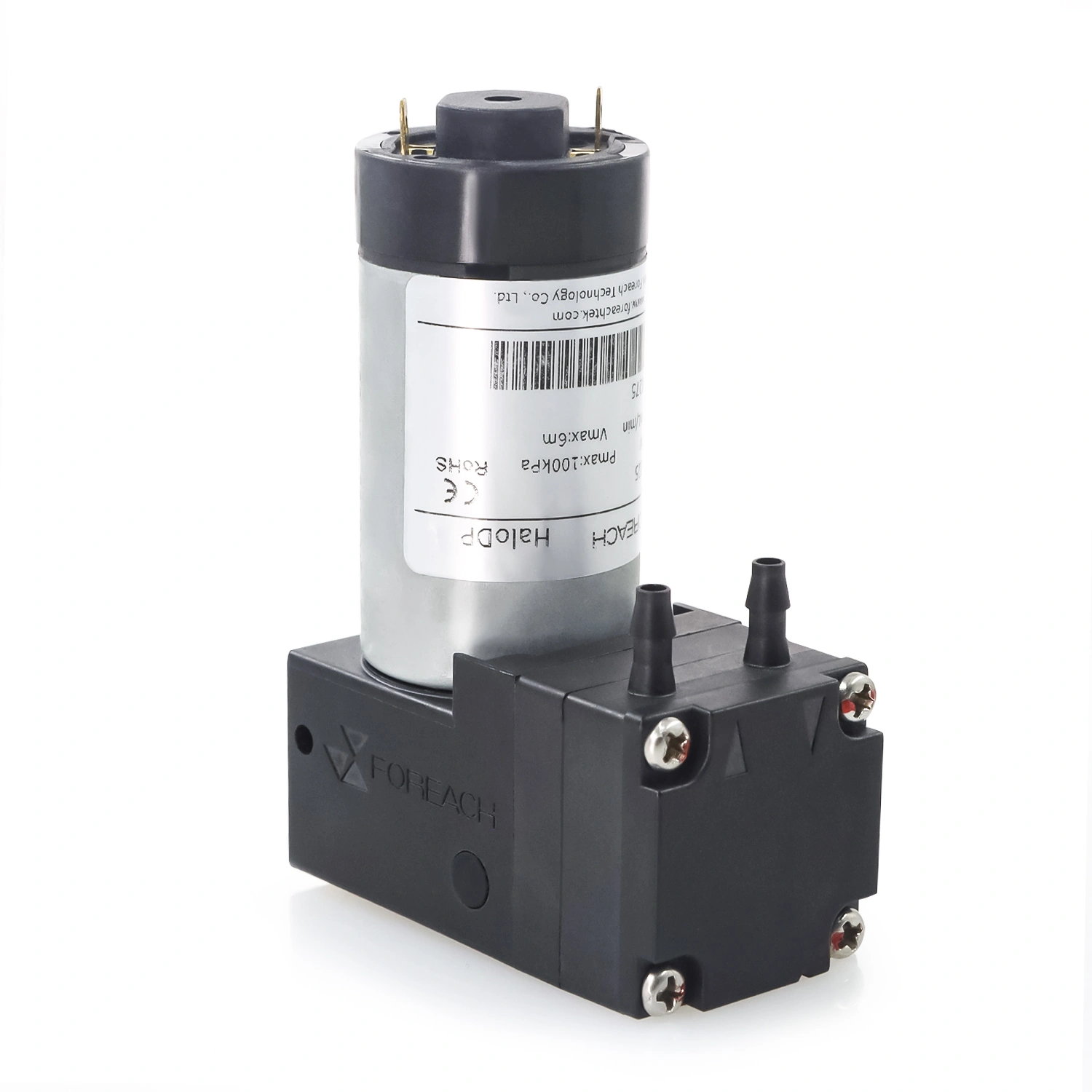
DPL30-DB miniature liquid diaphragm pump
During refill from the main tank, use the actual ink and filter to measure how long the pump takes to bring the secondary tank to its stop level.
View product details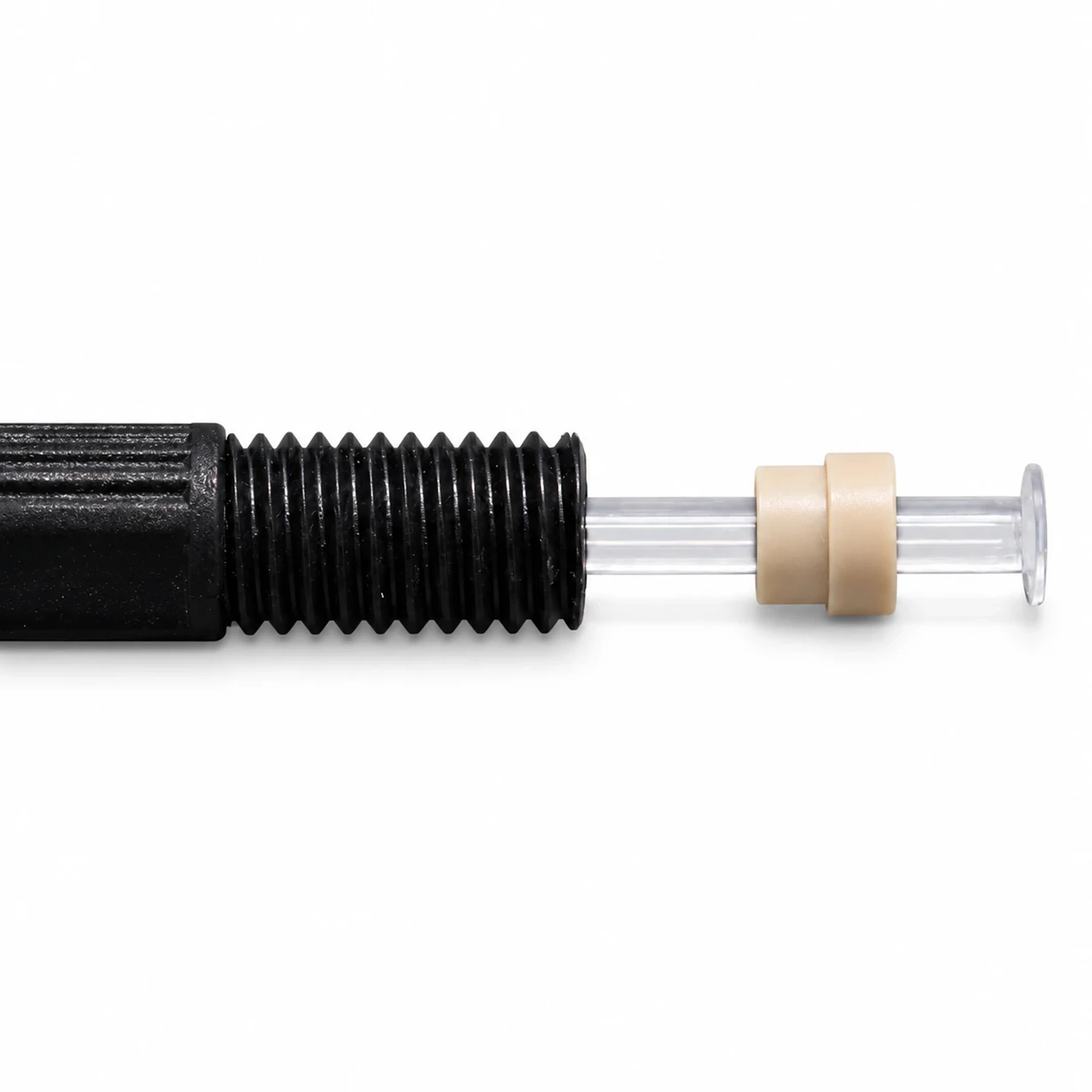
FEP flanged tubing assembly
For a fixed supply line with flat-bottom ports, match the flared FEP sealing face to the fittings at both ends. Size the bore against flow and allowable pressure drop.
View product details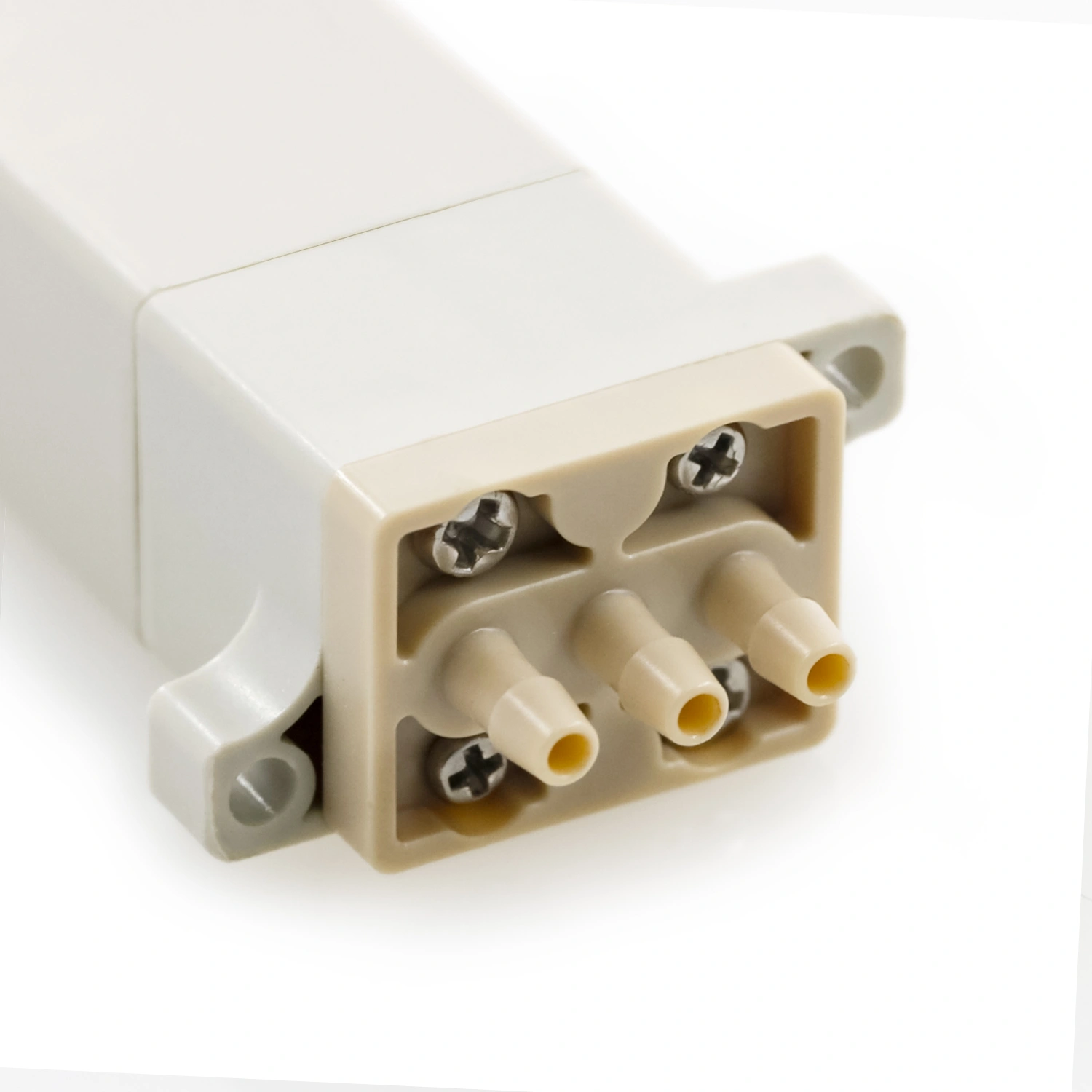
SV10-B16-3 three-way barbed solenoid valve
When the maintenance station shares an inlet line, identify the common port and both branches. Check the amount of residual ink after switching.
View product details
References
View references (4)
- [1]KNF guide to pumps for drop-on-demand inkjet supply, recirculation and maintenance
- [2]Xaar Hydra ink supply system datasheet: meniscus pressure, circulation differential and temperature
- [3]Mimaki UJF-3042/6042 MkII series operation manual, chapter 4: cleaning the nozzles and drain path
- [4]Signs101 operator report: one color drops out during a long print and recovers temporarily after cleaning