Foreach TechnologyForeach Technology
Home
Products
Applications
About Us
Contact & Partnership
简体中文EnglishEspañolFrançais한국어Русский
Home
Products
Pump SeriesValve SeriesTubing SeriesFitting SeriesProbe SeriesSmart Control SeriesTubing Assemblies
Applications
All applicationsIVD DiagnosticsLife SciencesLaboratory AutomationAnalytical InstrumentsEnvironmental MonitoringSynthetic BiologyIndustrial Inkjet Printing
Resources
Frequently Asked QuestionsDatasheetsFluid Resistance CalculatorFitting ReplacementInstallation GuidesMaterial CompatibilityTechnical ArticlesCompany News
About Us
About ForeachR&D and ManufacturingQuality System and QualificationsMilestonesForeach Culture
Contact & Partnership
Contact UsBecome a Distributor
  • Pump Series
  • Valve Series
  • Probe Series
  • Fitting Series
  • Tubing Series
  • Control Series
  • Tubing Assemblies
  • All applications
  • IVD
  • Life Science
  • Lab Automation
  • Analytical Instruments
  • Environmental Monitoring
  • Synthetic Biology
  • Industrial Inkjet Printing
  • Frequently Asked Questions
  • Datasheets
  • Fluid Resistance Calculator
  • Fitting Replacement
  • Installation Guides
  • Material Compatibility
  • Technical Articles
  • Company News
  • About Foreach
  • R&D & Manufacturing
  • Quality & Compliance
  • History
  • Foreach Culture
  • Inquiry Form
  • Contact Information

Shenzhen Foreach Technology Co., Ltd.

Address: 13th Floor, 2nd Building, Yufengda Industrial Park, 1008th Guang Qiao Boulevard, Guangming District, Shenzhen 518132 CHINAView Map

Email: [email protected]

Tel: +86 755 8655 3831

LinkedInYouTubeFacebookInstagramX

© 2026 Shenzhen Foreach Technology Co., Ltd. All rights reserved.

Privacy Policy··Photo credits

Home/Applications/Industrial Inkjet Printing/Industrial Inkjet Printer Fluidics Guide/Ink Supply & Refill
< Back

Sizing the Ink Supply and Refill Circuit in an Industrial Inkjet Printer

Application guide

During continuous printing, refill must restore the secondary tank to its operating level before a low-level alarm. Calculate the flow required from the volume to replenish, concurrent ink consumption and available time. Test with the intended ink at the lowest permitted main-tank level and with a filter near its replacement limit.

Application guide

Industrial Inkjet Printer Fluidics Guide

Industrial Inkjet Printer Fluidics Guide
Diaphragm pump selection
Ink Supply & RefillInk Recirculation & ReturnPrinthead Cleaning & Waste Ink
Tubing Assemblies and Fittings for Industrial Inkjet Printers
Fixed Ink Lines and Tubing AssembliesInk Tank Changes and Maintenance Quick Disconnects
Ink Filtration, Check Valves and Flow Control
Ink Filtration for Industrial Inkjet PrintersCleaning Fluid Switching and Branch Isolation

On this page

Refill flow calculationTroubleshooting a refill timeoutInstalled acceptance checksMiniature liquid diaphragm pump selectionReferences

01Calculating refill flow from the change in secondary tank level

On a drop-on-demand printer with a secondary tank, the pump starts at the refill trigger level and transfers ink from the main tank until the operating level is restored. Ink recirculation and return may also be present. Mark the return destination on the complete printer circuit diagram. Flow drawn from and returned to the same tank cancels in its volume balance. Include net flow to another tank in the refill requirement.[5]

Main tank→Transfer and filtration→Secondary tank→Head supply line
Example supply path with a secondary tank
How much must the pump deliver while printing continues during refill?

Suppose the secondary tank needs a net gain of 30 mL in 15 seconds and the printer consumes 5 mL during that interval, with no net outflow through other branches. The pump must deliver at least 35 mL in 15 seconds, an average operating flow of 35 × 60 ÷ 15 = 140 mL/min for this example. If a valve takes time to open or the pump takes time to establish flow, calculate the rate using the time actually available for delivery.

For this example, run the intended ink through production tubing and the specified filter. Measure the volume reaching the secondary tank inlet in 15 seconds. If it falls short of 35 mL, record pump outlet pressure and the differential across the filter. Use those readings to decide whether to compare the delivery of DPL30-DB and DPL60-DB or evaluate DPL30H-DS for the pressurized upstream section. Use the printhead manual for pressure limits at the head.[1][2][3][4]
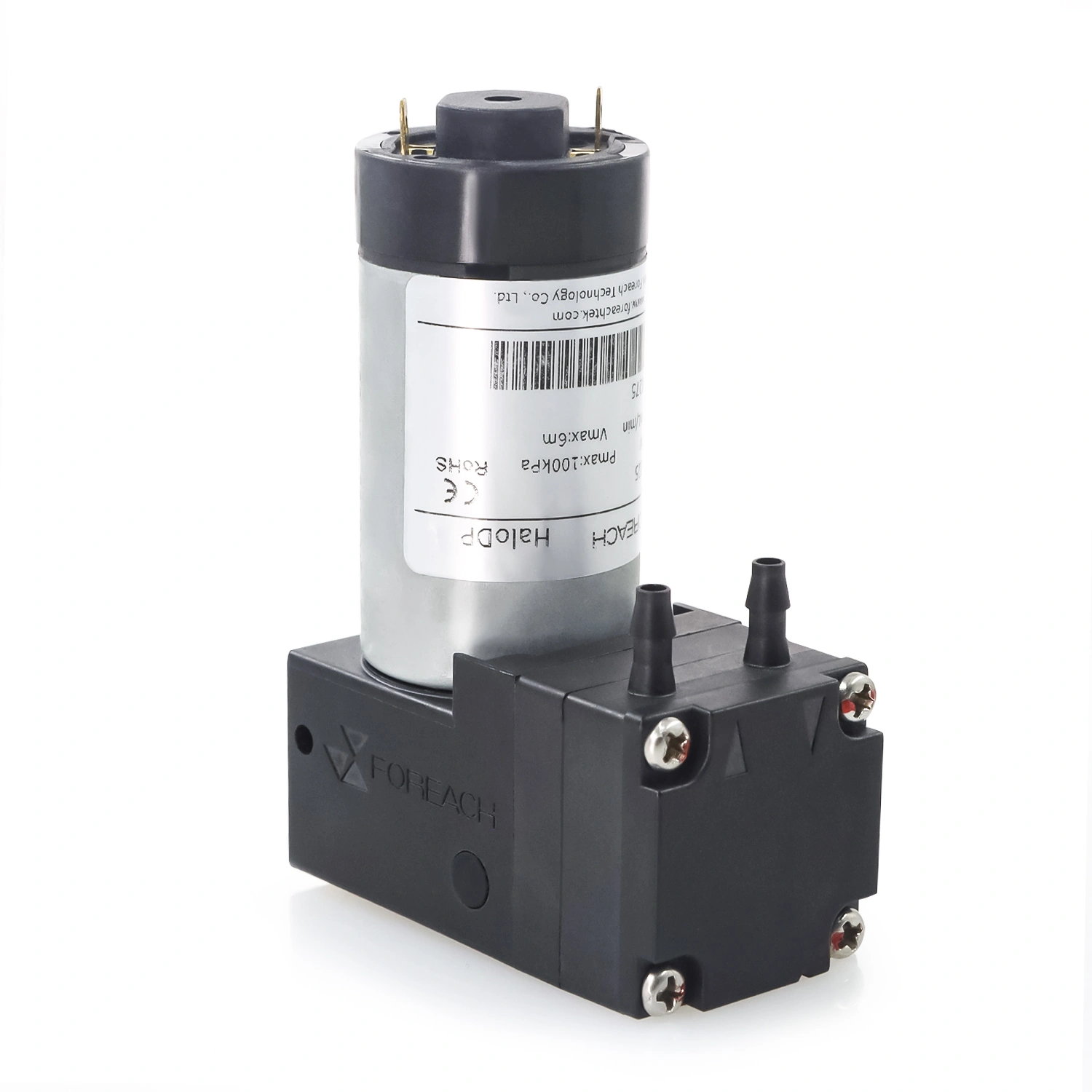
  • DPL30-DB miniature liquid diaphragm pump

    DPL30-DB miniature liquid diaphragm pump

    Trial this model for a small refill branch. Time a full refill cycle with the main tank at its lowest operating level.

    View product details
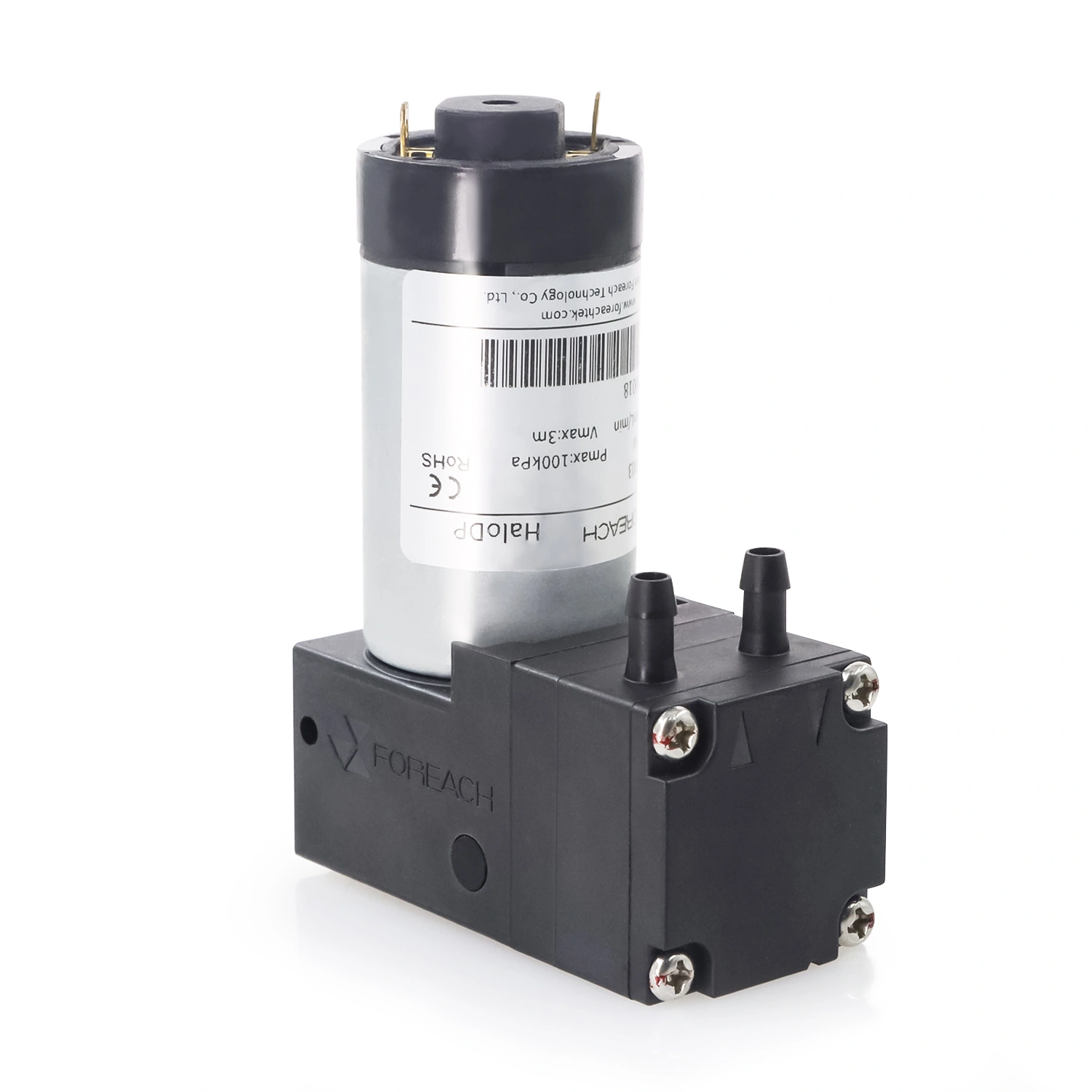
  • DPL60-DB miniature liquid diaphragm pump

    DPL60-DB miniature liquid diaphragm pump

    If sustained printing consumes more ink and the installed circuit requires more flow, compare the volume delivered by both pumps at the same ink temperature and filter condition.

    View product details
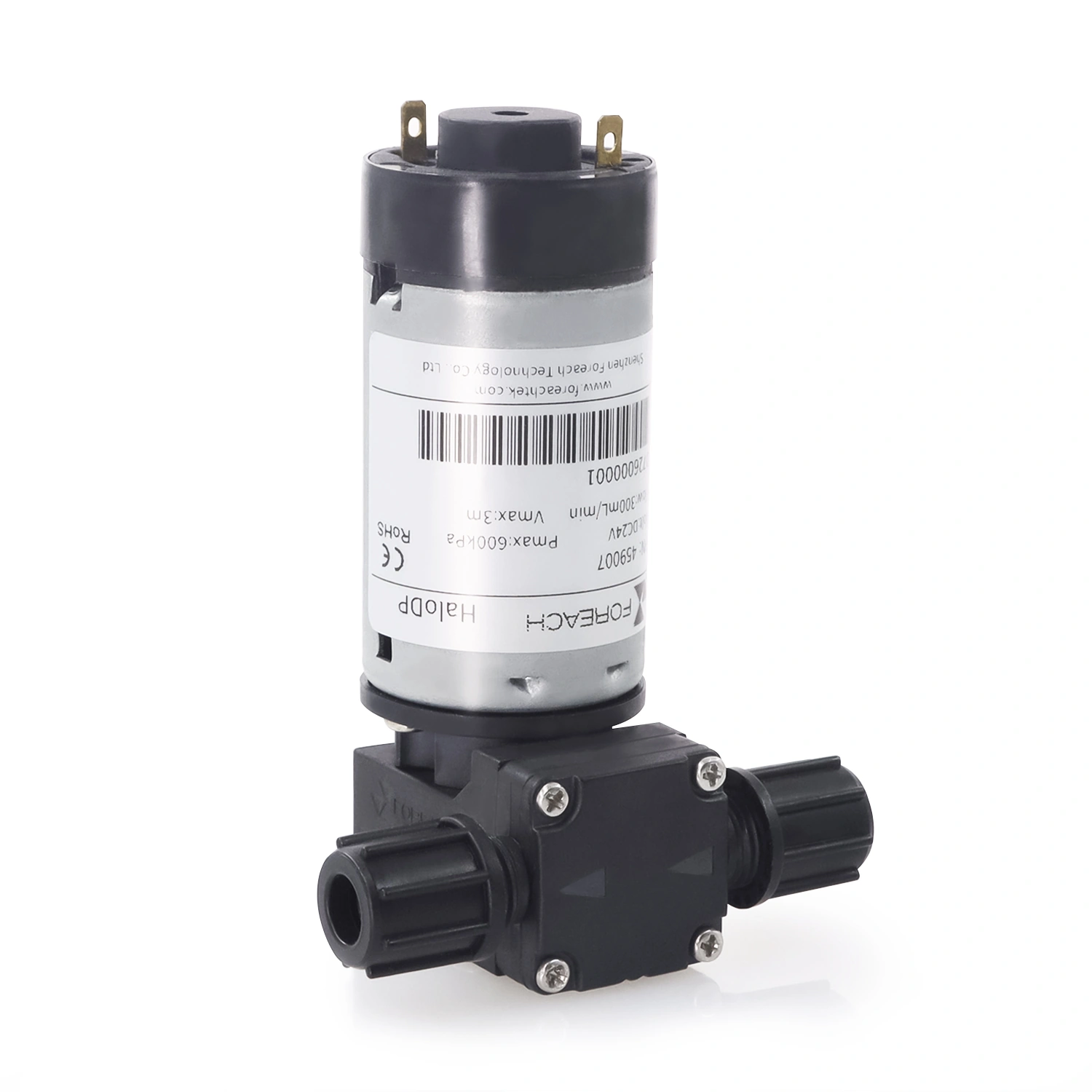
  • DPL30H-DS high-pressure liquid diaphragm pump

    DPL30H-DS high-pressure liquid diaphragm pump

    Evaluate this pump between the main and secondary tanks when a long line requires higher delivery pressure. Check the working pressure limits of the tubing, valves and filter housing first.

    View product details

02Why does the same pump refill more slowly at low ink levels or after a tank change?

Keep the production fixed ink tubing and fittings, filter, pump drive and secondary tank height. At the same ink temperature and print load, record pump start, first ink arrival and the time the stop level is reached. A long wait for first ink and prompt ink arrival followed by a slow refill point to different checks.

Narrowing the cause with level and timing records
ObservationWhat to compare firstHow to retest
Timeout only at low main-tank levelWhether the pickup stays submerged and how far the ink surface is below or above the pumpKeep the lowest permitted level and the original tubing. Repeat the timing under the same print load.
The first refill after each tank change is slow, then normal operation resumesAir entry on reconnection, the liquid column in the inlet tube and whether the coupling valves openReconnect as described in the tank-change coupling guide and compare ink arrival on the first and subsequent cycles.
The level keeps falling during continuous printingNet ink consumption during refill, delivered flow and pressure drop across the filterRepeat the same print job at the original ink temperature. Measure with the existing filter, then repeat with an approved replacement element.

03How to qualify the refill pump and filter assembly on the printer

Follow the supply filtration and backflow guide to place pressure taps on both sides of the element. At the actual flow and ink temperature, compare a clean filter with one near its allowed end of service. A single pump outlet reading also reflects tank elevation, downstream tubing and valve positions. For a pressurized upstream section, evaluate the PDM5 pressure module against the expected absolute pressure, wetted materials and required accuracy.[7][6]

Using the actual ink, confirm that the tank recovers within the allowed time and stays within its level limits after the pump stops. Record head-side pressure when refill starts and stops. If the tank level is normal but nozzles still drop out, follow the ink starvation diagnostic procedure from the secondary tank to the printhead.

04Miniature liquid diaphragm pump selection

Published specifications and candidate duties[2][3][4]
ModelFree flowRated pressureCandidate circuit duty
DPL30-DB300 mL/min100 kPaEvaluate for lower-flow ink supply, return or small liquid-waste branches.
DPL60-DB600 mL/min100 kPaEvaluate for supply or return branches requiring higher operating flow.
DPL30H-DS300 mL/min600 kPaEvaluate for upstream transfer through long tubing or a relatively restrictive filter.

The published specifications use purified water. Verify installed flow and wetted-material compatibility with the intended ink and cleaning fluid in the complete circuit. Free flow and rated pressure are separate specifications.

References

View references (7)
  1. [1]Choosing a 300 or 600 mL/min pump for ink supply or return
  2. [2]DPL30-DB product specifications
  3. [3]DPL60-DB product specifications
  4. [4]DPL30H-DS product specifications
  5. [5]KNF guide to pumps for drop-on-demand inkjet supply, recirculation and maintenance
  6. [6]Pall filtration selection guide for digital printing systems
  7. [7]PDM5 pressure module

Related Products

DPL30-DB miniature liquid diaphragm pump

DPL30-DB miniature liquid diaphragm pump

DPL60-DB miniature liquid diaphragm pump

DPL60-DB miniature liquid diaphragm pump

DPL30H-DS high-pressure liquid diaphragm pump

DPL30H-DS high-pressure liquid diaphragm pump

Related Technical Articles

What Is the Difference Between an Ink Circulation Pump, Ink Supply Pump and Ink Return Pump?

Ink supply pump, ink return pump and ink circulation pump are fluidic functions, not three fixed mechanical pump types. A supply pump moves ink toward a sub-tank or printhead, a return pump moves unused ink back toward a reservoir, and a circulation pump maintains flow around a loop. Whether those functions need one, two or several pumps depends on the printhead, reservoirs, gravity or vacuum control, filters and supply-return architecture.

2026-09-03View Details

300 or 600 mL/min? How to Select an Ink Circulation or Ink Return Pump

Define the target working flow in the ink circulation or return circuit, then calculate or measure system differential pressure at that flow. The DPL30 300 mL/min and DPL60 600 mL/min values are no-load flow classes, not guaranteed flow after adding ink, filters, tubing and a printhead. The closer the target is to the nominal limit, the more important curve and installed testing become.

2026-09-03View Details

Ink Starvation in Inkjet Printers: Causes and Troubleshooting

Ink starvation occurs when ink reaches the printhead more slowly than the head consumes it. If one color fades during a long, high-coverage print and recovers after a pause, save the nozzle check and watch the tank level as the fault develops. Then trace the supply line for a restriction or incoming air, and measure flow under the print load that caused the dropout.

2026-11-16View Details

Discuss your ink circuit

Share the printer model, ink and cleaning fluid, target flow, temperature, and operating pressure.

Discuss your application